Pick a memory
A favourite place. A much-loved pet. A moment worth keeping. Upload a photo that feels like you.
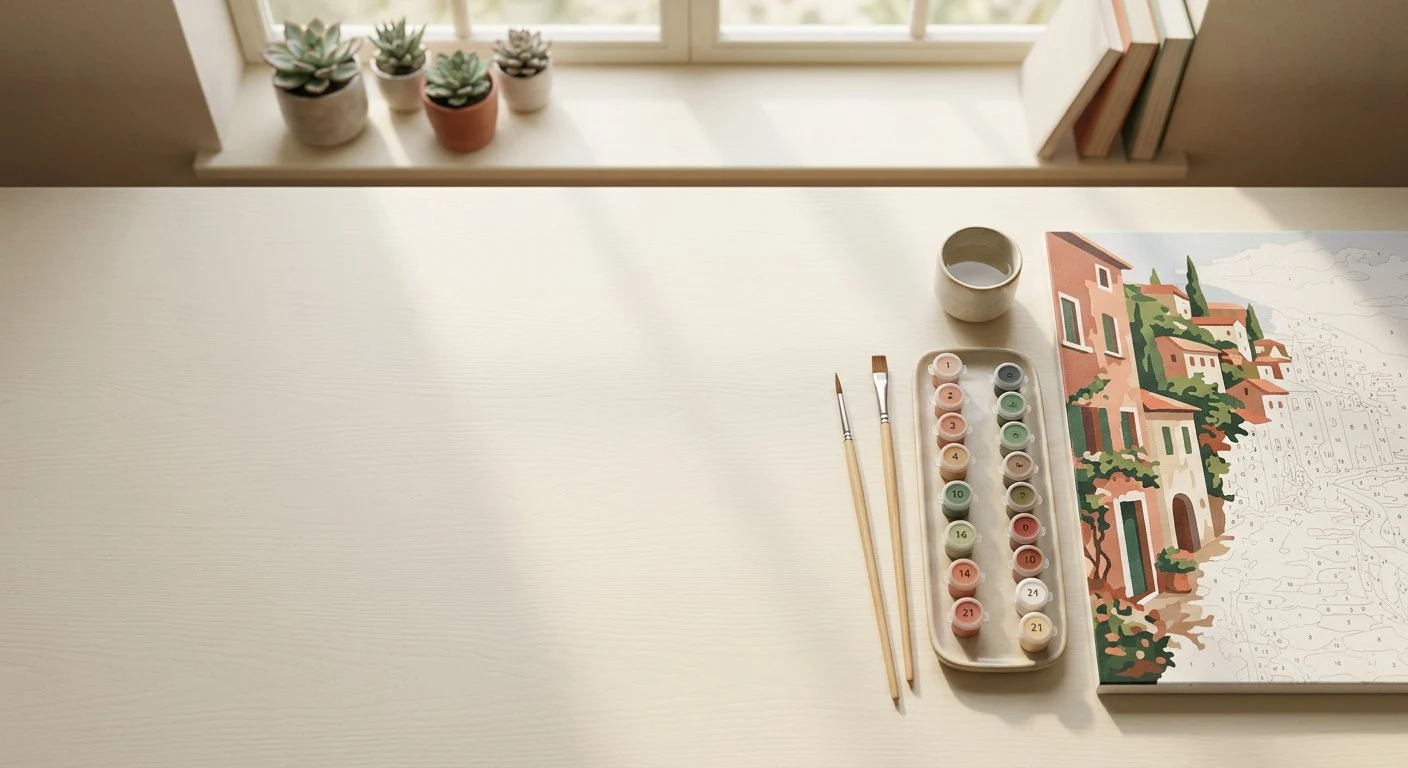
Turn the photos you love into paintings you’ll treasure. Create a personalised paint-by-numbers template, one colour at a time.
Create your free template ↗No artistic experience needed. Just a favourite photo, a few simple choices and a little curiosity.
A favourite place. A much-loved pet. A moment worth keeping. Upload a photo that feels like you.
Choose your colours, format and level of detail. Preview the numbered outline before you start.
Download your template and colour guide. Gather your paints, find a quiet corner and enjoy the process.
Try our sample or upload your own photo.
Everything happens right in your browser.
Fewer colours, a simpler painting.
More detail, smaller paint areas.
♧ Private by design. Your photo stays on your device and is never uploaded.
A digital template, not a physical kit. Supply your own paper, brushes and paints. Complex photos may need a little simplification.
You don’t need a studio, expensive supplies or a natural gift for painting. You just need a place to begin.
Paint by numbers gives your photo a gentle structure: a shape, a number, a colour. The rest is yours — the pace, the brushstrokes, the happy little detours.
A little more about us ↗Choose a JPG, PNG or WebP image, select the number of colours and the detail level, then generate your template. Download the numbered SVG and the colour guide, or print the outline directly from your browser.
Yes. The browser-based generator and its SVG and PNG downloads are free to use. You do not need an account, a subscription or payment details.
No. The generator processes your image in your browser. This version does not upload photos to a server or store them in a gallery. Your browser may keep files you choose to download.
Choose a sharp photo with clear light and a simple background. A single pet, a bright landscape or a close portrait usually produces more readable regions than a busy scene. Start with 12 colours and a lower detail level.
Yes. Download the SVG for a scalable outline, or choose Print / save PDF and use your browser’s print dialog. The PNG colour guide includes numbered reference colours. Those colours are digital approximations, not matches to a paint brand.
Very small regions can be too small for a readable label. The generator smooths the image and labels regions with enough space. Reduce detail or use fewer colours if your template feels too intricate.
Let’s find it. Your first template is just a photo away.